Smart WiFi Downlights: What to Confirm Before You Order
Our smart WiFi downlights are networked complete lights with app control, dimming and CCT adjustment. Smart versions available on selected models — app, gateway and voice-platform compatibility to confirm with our team.
What ‘smart’ covers here
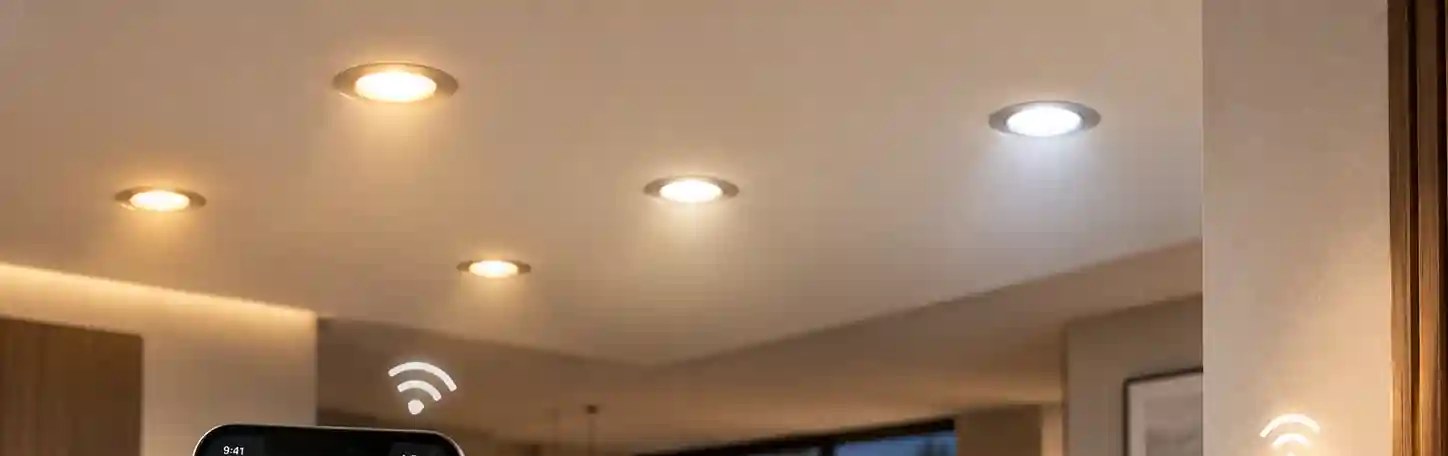
Three functions define a smart WiFi downlight on this site: it joins a network, it’s controlled from an app, and it lets you dim and change colour temperature without touching the fitting. Which of those a specific model supports, and how, is listed on its spec sheet. We don’t treat ‘smart’ as one feature set across the family.
Dimming and CCT adjustment map onto F8 and F9 on our field checklist. For a smart model those fields describe what the app can do, not what a wall dimmer can do. Ask before you combine a smart downlight with any other dimming system.
A question, not a promise
We don’t list voice assistants or ecosystems as compatible by default. Apps change, platforms change, and a project may already run its own gateway. Before ordering, put these questions to our team and get the answer for the exact model:
- Which app controls the model, and is that app available in your market?
- Is a gateway or hub needed, or does the downlight join the network directly?
- Which voice platforms, if any, has this model been confirmed with?
- How does the fitting behave when the network drops or the wall switch is turned off?
- Can fittings be grouped and scheduled, and how is a replacement fitting added to a group?
The ceiling side doesn’t change
A smart downlight still goes into a hole. F1, F2 and F3 work exactly as they do for any recessed downlight, F11 still tells you recessed or surface, and the fixing method is the same. The smart electronics have to live somewhere, in the body or beside the driver depending on the model, so check F3 against your ceiling instead of assuming a smart body matches a non-smart one.

What to put in your enquiry
- The F-codes you need confirmed, typically F1 to F3, F6, F8, F9 and F11.
- The app, gateway or voice platform your project already uses, if any.
- Room types and how fittings should be grouped.
- Quantity range and target market, so we can check certification per model.
Certifications: per model, check the spec sheet. For the full list of buying checks, read smart WiFi downlights buying checks.
Tell us the platform before you tell us the quantity
Send the app or gateway your project uses with the F-codes you need. We confirm compatibility and values for the exact model.