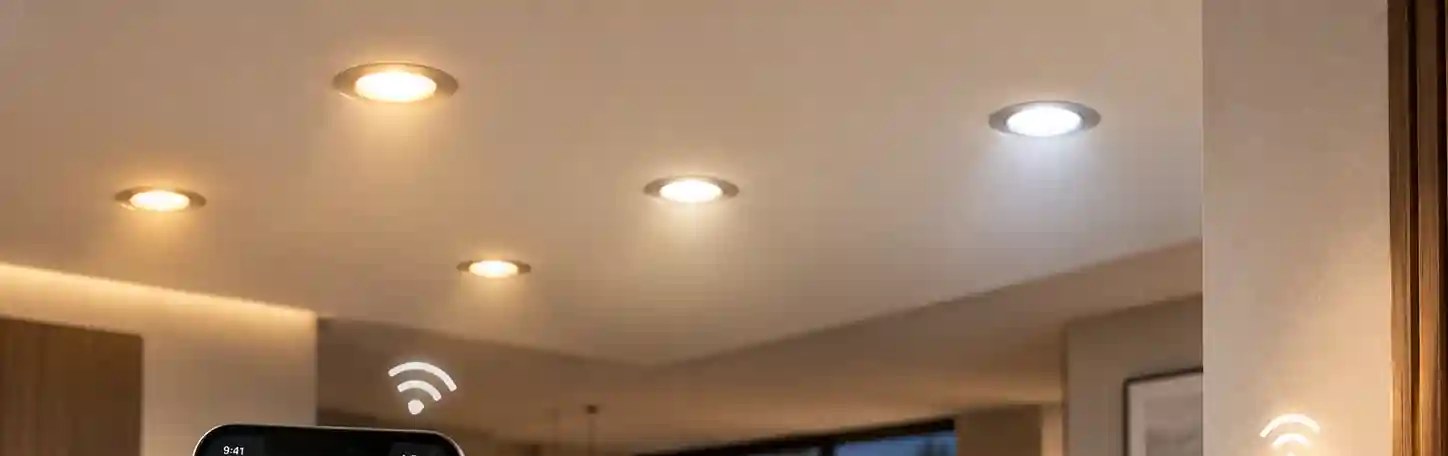
A tape measure in a ceiling void beats any spec sheet. Say you're on a job, first fix, plasterboard already up. You've got one of the new smart wifi downlights in one hand and a hole that looked right on the drawing. It doesn't fit. Spring clips bite into the edge, the driver's too fat for the void, and now it's a second trip up the ladder and a torn ceiling edge to patch. That's the moment where "smart" stops mattering and basic fit takes over.
A smart downlight is a downlight first. Before anyone worries about apps, it has to fit the hole, light the room properly, and suit the wiring on site. The smart layer sits on top. It's the part buyers assume rather than check.
What follows is the checklist we'd want a customer to run before they order from us or from anyone else. It's for buyers, contractors and brand owners who need the thing to work on day one, and still work after the next app update.
First, the bits that aren't smart at all
From the ceiling side, a smart model behaves like its non-smart sibling. Opening, trim, void depth — read the same way. Fixing is recessed or surface, depending on the model. Skip this because you're staring at features, and you'll find out at installation. On a ladder. With the customer watching.
So read F1, F2, F3 and F11 first, exactly as you would for any other fitting. Our guide to cut-out size walks through those checks in order.
One extra point for smart models: the radio module and its driver can add bulk. Don't assume the body height matches the plain version of the same family.
It only takes one quiet difference. Same family, same look from below, different depth above the plasterboard. Picture a small hotel corridor refit — thirty-odd cans already in the ceiling, dusty mineral fibre above, and the spec swaps half of them for smart versions of "the same" fitting. They're not the same. The smart ones sit deeper, the driver puck fouls a joist run, and the electrician is on the phone at seven in the morning. That's an imagined scenario, but it's the one we all keep half-expecting.
Light quality still matters. Power, CCT range and colour rendering (F4, F6, F7) are confirmed per model like any other light. A smart fitting with poor optics is just a poor fitting you can switch from your phone.
App, dimming, CCT — confirm, don't assume
"Smart" covers a wide spread of behaviour. Two models can both wear the label and do quite different things.
Take app control. Can it be switched and scheduled from an app at all? Which app, and who maintains it? Then dimming (F8): does it dim through the app, from a wall switch, or both — and is the low end smooth or does it step? CCT adjustment (F9) is the next one: can colour temperature be changed after installation, over what range does the sheet say, and is it continuous or a handful of fixed presets? Scenes and groups matter too, because a room isn't one fitting — can several be grouped and recalled together, and is there a limit on how many share one group? And the one people forget until the first power cut: after an outage, does it come back on, stay off, or return to its last state?
None of these is a given. We list what each smart model supports on its sheet, and anything not on the sheet should be treated as unconfirmed until we answer in writing. Smart versions available on selected models — app, gateway and voice-platform compatibility to confirm with our team.
Gateways, apps and voice platforms — ask, don't guess
This is where expectations and reality drift furthest apart. A buyer sees a phone screenshot and assumes the light will join whatever system they already own. That's a question, not a fact.
Compatibility depends on the radio inside the fitting, the firmware it runs, the app or cloud it talks to, and whether a hub is needed. It can also change over time as platforms update their own rules. So we don't publish blanket claims that a downlight works with a particular voice assistant or ecosystem. If your project leans on one, tell our sales team which platform, which hub if any, and in which country the system will run. We'll confirm for that specific model.
Ask directly. Does this model connect straight to the home network, or does it need a gateway? If a gateway is needed, is it supplied, and how many fittings can one handle? Which app is used, and can it be supplied under our own brand on an OEM order? Which voice platforms have been tested with this firmware, and when was that last checked? How are firmware updates delivered, and who supports the app if something breaks?
If a supplier answers every one of those with a cheerful "yes" and no detail, be careful. On the bench we get this question as: "Will it work with the app my customer already has on their phone?" That's an imagined scene, but it gives you the shape of the question. Correct answer, every time: tell me the platform, the hub, the country. Then we look it up.
Driver and controls have to agree
A smart downlight still has a driver, and that driver has to agree with the rest of the installation. Mismatches here are a classic route to flicker and buzz.
Check whether the driver is built into the fitting or separate, and where a separate one has to sit. If you plan to keep an existing wall dimmer in the circuit, ask whether that's allowed at all. Many WiFi models want a plain switch, or permanent power, and handle dimming themselves. Put a traditional dimmer in front of a smart driver and both can misbehave.
On commercial jobs the question is often whether the fitting should be on WiFi at all. Wired control protocols such as DALI are common in offices and hotels because they're centrally managed and don't depend on a guest network. If the project needs that, say so. It changes the driver choice and possibly the model.
It's also worth knowing about interface standards for connected luminaires. The Zhaga Consortium works on standard sockets and interfaces so that sensors and communication modules can be fitted to compatible luminaires. Whether any given model follows such an interface is, again, a per-model question for us.
Then there's standby. A smart fitting draws a little power even when it looks off, because the radio stays awake. For background on lighting efficiency, the U.S. Department of Energy publishes general consumer guidance. For the actual standby figure of a model, ask for its sheet.
What to put in the enquiry
A clear enquiry gets a clear answer. We work from the F-field checklist, so quoting the codes saves a round of emails.
| Include | Why we need it |
|---|---|
| F1, F2, F3, F11 | So the fitting suits the ceiling, the same as any downlight. |
| F4, F6, F7 | So the light itself is right for the space. |
| F8 and F9 | Whether you need dimming and adjustable colour temperature, and how they'll be controlled. |
| Platform and region | Which app, hub or voice service you expect, and where it'll be installed. |
| Existing controls | Wall switches or dimmers staying in the circuit, or a building control system. |
| Branding | Whether the app and packaging need your brand on an OEM order. |
| F12 | The warranty term you need, read from each model's own sheet. |
The full checklist is on our smart WiFi downlights page. If you're working with a branded app or custom packaging, the OEM and ODM page explains how that's handled.
How to test a sample properly
Order a sample and test it in conditions close to the real job. Install it on the switch arrangement you'll actually use. Pair it on the network it'll live on, not just your office router. Dim it to the bottom and watch for flicker. Kill the power at the board and see what it does when the power comes back.
Then group it with a second unit and try your platform of choice, if we've confirmed it. A short afternoon's work. Far cheaper than finding a problem across a whole building.
If glare is a concern in the same space, read our notes on anti-glare downlights before you settle on a model. Smart control won't rescue a fitting with a harsh optic.
The version you'd tell a mate
Check the ceiling fit first. Confirm app, dimming and colour functions model by model. Treat every platform claim as a question for the sales team, answered in writing. Match the driver to the controls on site. Test a sample on the real network before you commit.
No sheet, no spec.